
Securing your workspace
Passwords, sessions, trusted devices and the access habits that matter — a short list, in the order worth doing it.
On this page
A Juno workspace holds every conversation your customers have had with you, their phone numbers, and whatever they sent you — photographs, documents, sometimes identity papers. It is worth ten minutes.
1. Everyone gets their own login
This is the whole game, and it is covered in members and roles. A shared login means no audit trail, no way to remove one person's access, and a password that is never changed because changing it locks out the whole team.
2. Passwords
Settings → Security changes yours.
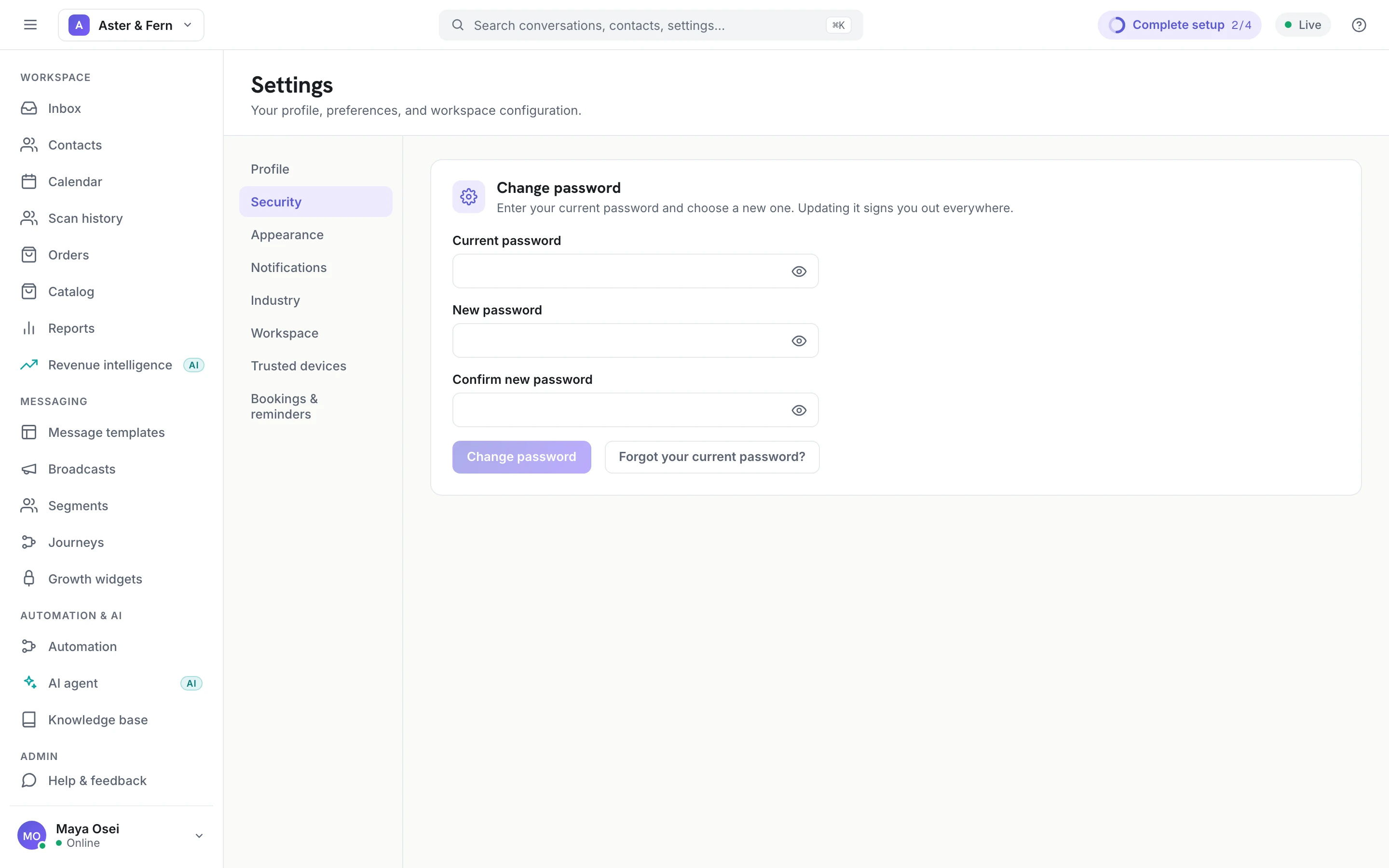
Changing a password signs that account out everywhere, on purpose: the reason you are changing it is usually that you are not certain who else has it, and a change that leaves old sessions alive fixes nothing.
Use a password manager and a password unique to Juno. Length beats complexity — a passphrase you can remember beats eight characters of punctuation you keep in a notebook.
3. Trusted devices
Settings → Trusted devices turns on device approval for the workspace.
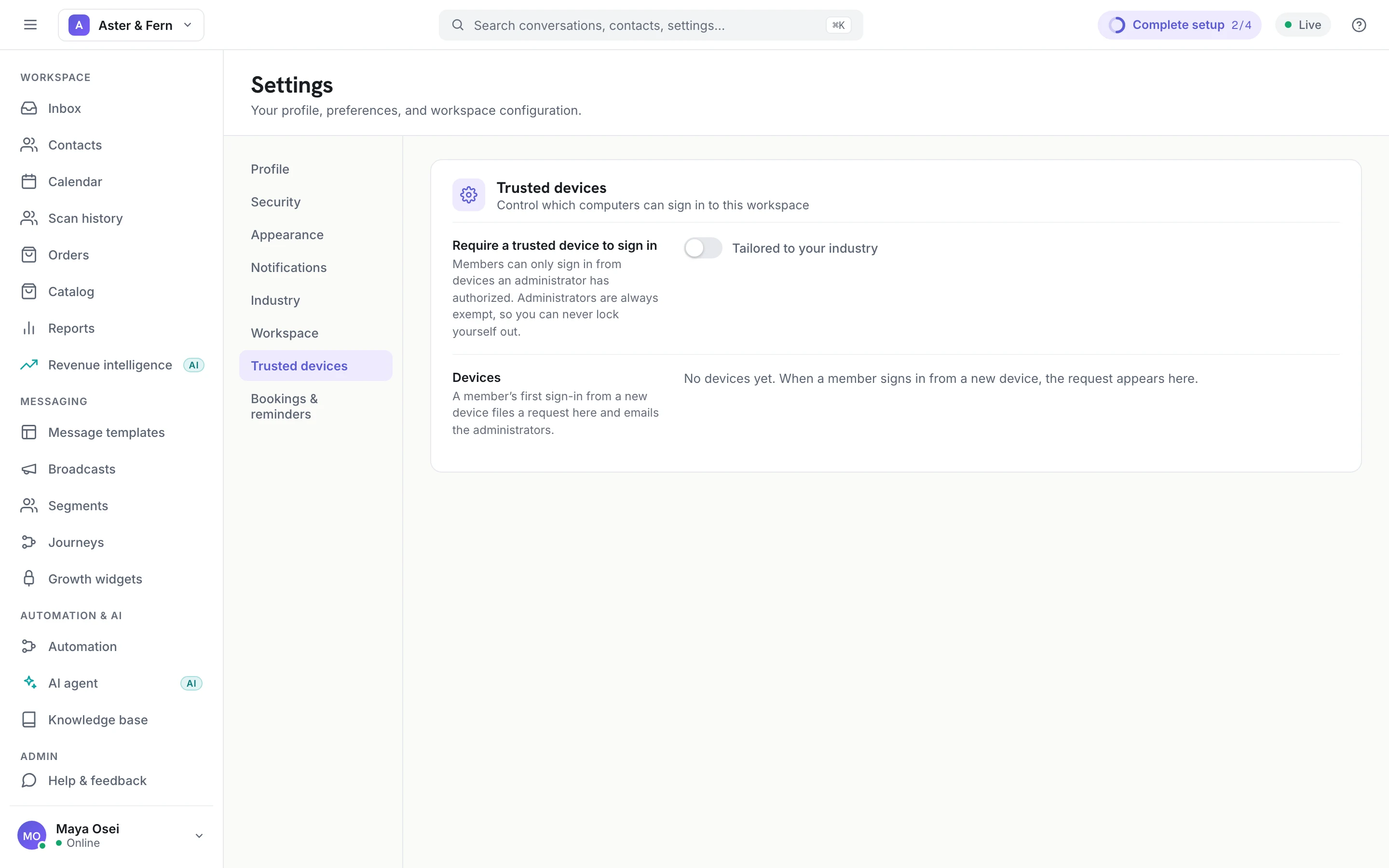
With it on, a member signing in from a computer nobody has approved gets a request rather than a session, and the administrators are emailed. It is the single most useful control here, because it turns a stolen password into a notification instead of an entry.
Two details that matter:
- Administrators are exempt, deliberately. Turning this on can otherwise lock the last administrator out of the workspace that holds the switch.
- A device is approved once, not per session. Approving your own laptop is a one-time thing.
Turn it on the day you have more than two people, or the day someone works from a shared or public machine.
4. Remove access the day someone leaves
Not at the end of the month. Disable the member, and revoke any device of theirs that was approved. Both are in the screens above and take a minute.
5. Screenshots and exports leave the building
The console is the safe place for customer data; a screenshot in a group chat is not, and neither is a contacts export in someone's downloads folder. If you need to share something to get help, share the conversation id rather than a picture of the conversation.
What Juno does on its side
So you know where the line is:
- Sessions are held in a cookie that JavaScript cannot read, which is what stops a script on the page from stealing one.
- Channel credentials are encrypted at rest, and the console never displays a provider token after it is saved.
- Media is private. Photographs and documents customers send are stored in a private bucket and reach the console through short-lived signed links, not public URLs.
- Every administrative action is recorded in the audit log — who changed a role, who removed a member, who exported contacts.
None of that helps against a shared password, which is why the list starts where it does.